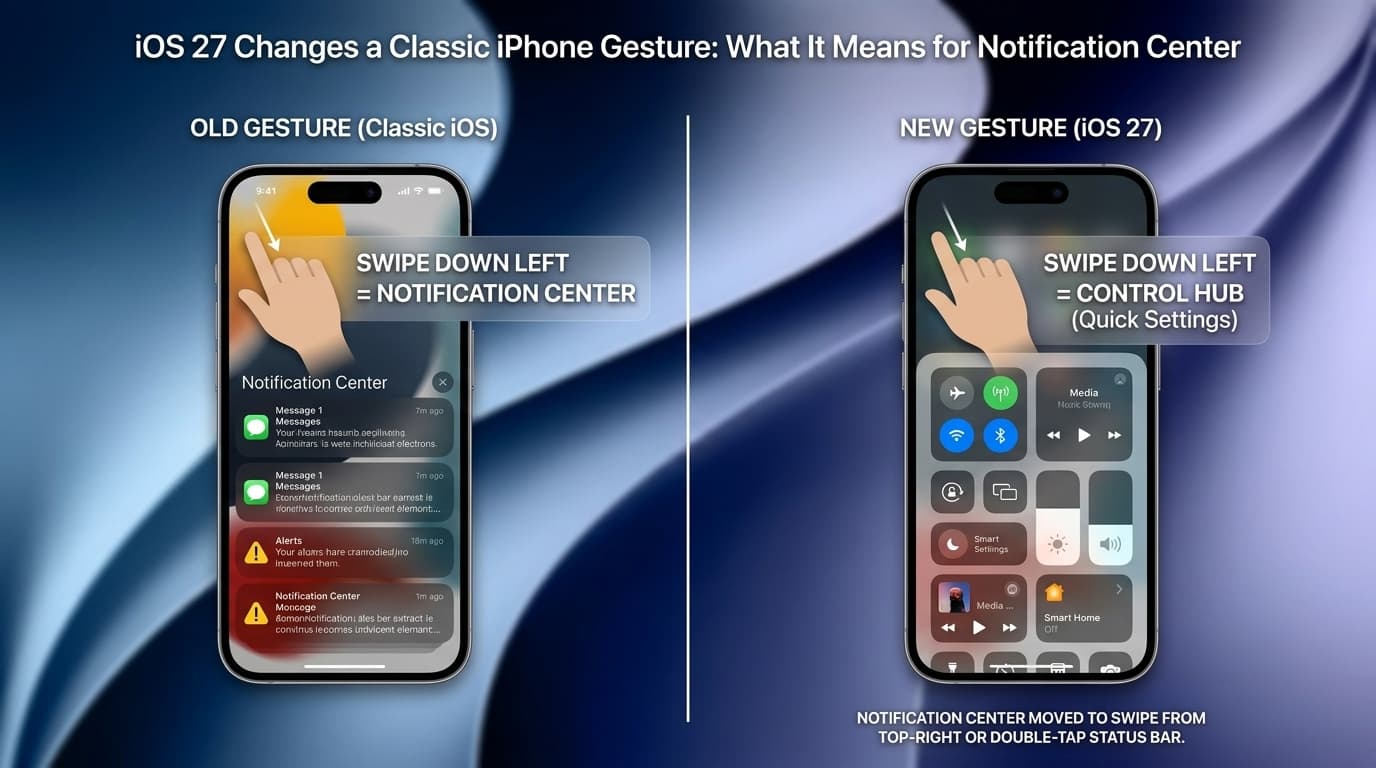
Apple’s iOS 27 introduces a major change to one of the iPhone and iPad’s most familiar gestures: the swipe-down action used to open Notification Center. Since iOS 5 launched in 2011, users have been trained to pull down from the top of the screen to check alerts, messages, reminders, and app notifications. In iOS 27, that long-standing habit is being challenged as Apple gives more priority to its new Siri AI experience.
The change may seem small at first, but for millions of long-time iPhone and iPad users, it affects 15 years of muscle memory.
What Changed in iOS 27?
In iOS 27 and iPadOS 27, Notification Center still exists, but the way users access it changes when Siri AI is enabled. Instead of swiping down from much of the top edge to open notifications, users now need to swipe down from the top-left corner. Meanwhile, swiping down from the center area of the top edge can trigger Siri AI.
This is not just a cosmetic update. It changes one of the most repeated daily interactions on iPhone and iPad. For users who frequently check notifications throughout the day, the adjustment may feel awkward at first.
Why Apple Is Prioritizing Siri AI

The reason behind the change is clear: Apple wants Siri AI to become a core part of the iOS experience. Apple describes Siri AI as a more capable assistant powered by Apple Intelligence, designed to answer questions, understand personal context, take actions in apps, and support more natural conversations.
By assigning Siri AI to a prominent gesture, Apple is making the assistant easier to access and harder to ignore. Instead of hiding it inside an app or behind a button, Apple is placing Siri AI directly into the system’s navigation flow.
This suggests Apple sees Siri AI not as a side feature, but as a major interface layer for the future of iPhone and iPad.
Notification Center Is Not Gone
The good news is that Notification Center has not been removed. Users can still access alerts, but they must now rely on the top-left swipe gesture when Siri AI is active. According to 9to5Mac, alerts also animate from the top-left area, helping guide users toward the new location.
For users who already swipe from the left side, the change may feel minor. But for those used to pulling down from the center or upper-middle part of the screen, the new behavior could cause confusion during the first few days of use.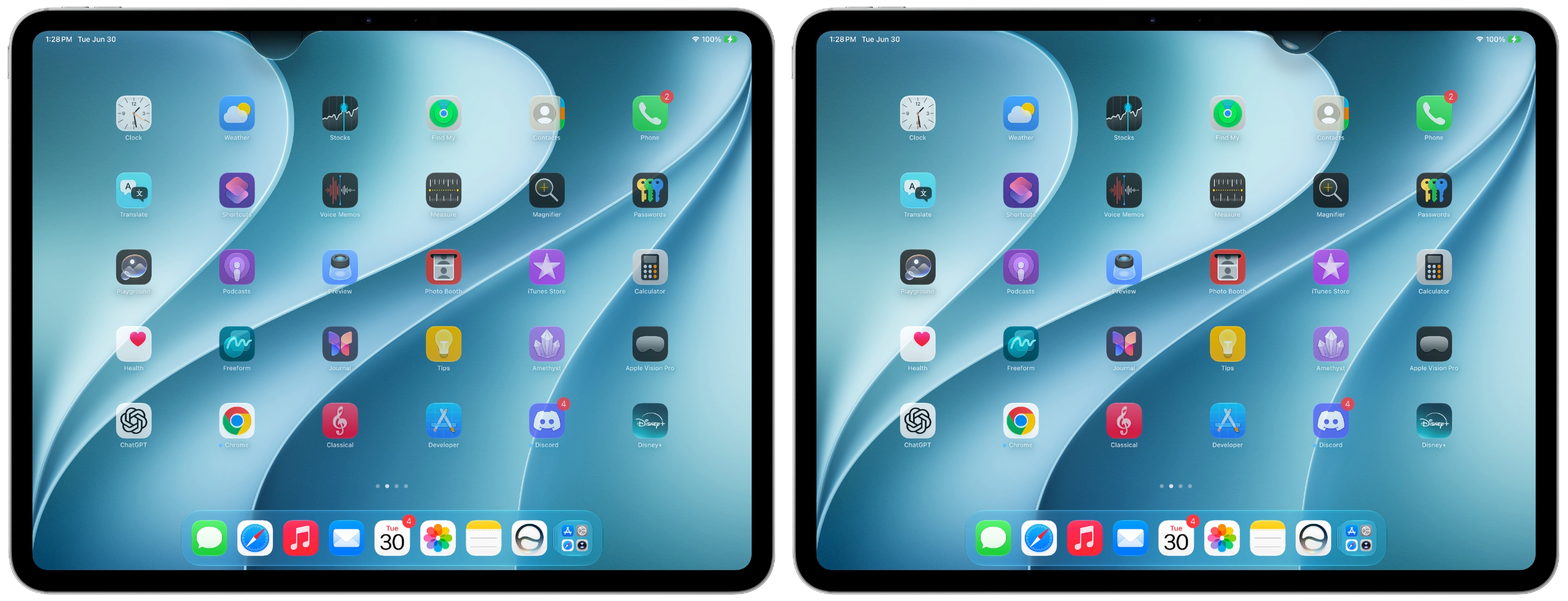
Why This Breaks iPhone Muscle Memory
The iPhone has gone through major navigation changes before. The iPhone X, for example, replaced the Home button with gesture-based navigation, forcing users to relearn basic actions. Over time, that system became normal.
The iOS 27 change is different because it affects a gesture users have repeated for more than a decade. Notification Center has been associated with a top-screen swipe since 2011, making it one of the most deeply embedded behaviors in iOS.
That is why this update may feel more disruptive than it looks on paper. It is not just about where notifications live. It is about changing a movement users perform automatically.
The iPad Experience May Feel Even More Noticeable
The change may be especially noticeable on the iPad because of the larger screen. On an iPhone, reaching the top-left corner can already be a stretch depending on hand size and device model. On iPad, the top-left area is even farther away, particularly when using the tablet in landscape mode.
This could make the new Notification Center gesture less convenient for some users, especially those who rely heavily on alerts while multitasking.
Could Apple Still Adjust This Before Final Release?
iOS 27 is currently in beta, which means Apple may still refine the gesture behavior before the final public release. 9to5Mac notes that the behavior has already changed slightly between early beta releases.
Apple often tests interaction changes during beta periods and adjusts them based on feedback. If enough users find the new gesture confusing or inconvenient, Apple could provide an option, change the swipe zones, or make the transition smoother.
Is the Change Worth It?
The answer depends on how useful Siri AI becomes. If Siri AI delivers faster answers, better app control, smarter personal context, and meaningful productivity benefits, many users may accept the new gesture after a short adjustment period. Apple says Siri AI is designed to be more personal, more powerful, and capable of helping users get more done across the system.
But if users do not rely on Siri AI often, the change may feel unnecessary. In that case, moving Notification Center to a smaller gesture zone could seem like Apple is prioritizing a new feature at the expense of a trusted daily habit.
Final Thoughts
iOS 27’s Notification Center gesture change is a reminder that even small interface updates can have a major impact when they touch years of user behavior. Apple is clearly betting big on Siri AI, and giving it a prime system gesture shows how central AI is becoming to the iPhone and iPad experience.
For now, Notification Center is still there, but users may need to retrain their hands. Whether this change becomes a smart evolution or an annoying disruption will depend on how useful Siri AI feels in everyday use.